Compare · Onfleet
Onfleet alternatives: when US$619 a month is the right size, and when it is not
Onfleet alternatives start with one fact: Onfleet's Launch plan is from US$619 a month and includes 2,500 completed deliveries. That fits a large delivery operation and overshoots a kitchen with a few dozen drops a day. pickup.kitchen's driver app is free for 100 stops a month, then CA$0.10 a stop.
- Onfleet's plans, checked November 2026, with a bill at 100, 500, 1,000 and 2,500 stops
- Orders, meal plans and drivers in one login
- Where Onfleet is stronger: scale, API, hybrid fleets, compliance
Free onboarding. Pay as you use. No monthly fee for ordering.
pickup.kitchen and Onfleet
Side by side
Each line uses Onfleet's own published numbers, checked November 2026.
| What | pickup.kitchen | Onfleet |
|---|---|---|
| Entry price | pickup.kitchenFree onboarding. 100 stops a month free, then CA$0.10 a stop. | OnfleetLaunch from US$619 a month, 2,500 deliveries included |
| Bill at 100 stops a month | pickup.kitchenCA$0 | OnfleetUS$619 |
| Bill at 500 stops a month | pickup.kitchenCA$40, about US$29 | OnfleetUS$619 |
| Bill at 1,000 stops a month | pickup.kitchenCA$90, about US$65 | OnfleetUS$619 |
| Bill at 2,500 stops a month | pickup.kitchenCA$180, about US$130 | OnfleetUS$619 |
| Orders flowing into routes | pickup.kitchenFrom pickup.kitchen orders and meal-plan days, with no setup. Other stops by hand. | OnfleetAPI, webhooks and pre-built integrations such as Shopify |
| Fleet | pickup.kitchenYour own drivers only | OnfleetYour own drivers and courier partners, from one platform |
| Proof of delivery | pickup.kitchenPhoto required, with a note, the time and the driver's name | OnfleetPhoto and signature on Launch. Barcode and ID scan on Scale. PIN on Enterprise. |
| Meal plans, ordering and payment | pickup.kitchenIncluded: weekly menus, skips, pauses, checkout, kitchen screen | OnfleetNot part of Onfleet. It dispatches deliveries. |
| Strengths we do not have | pickup.kitchenNo API, SDK, courier network or enterprise security certification | OnfleetAPI and SDK, hybrid fleets, command center, SOC 2 Type II |
Checked November 2026Sources
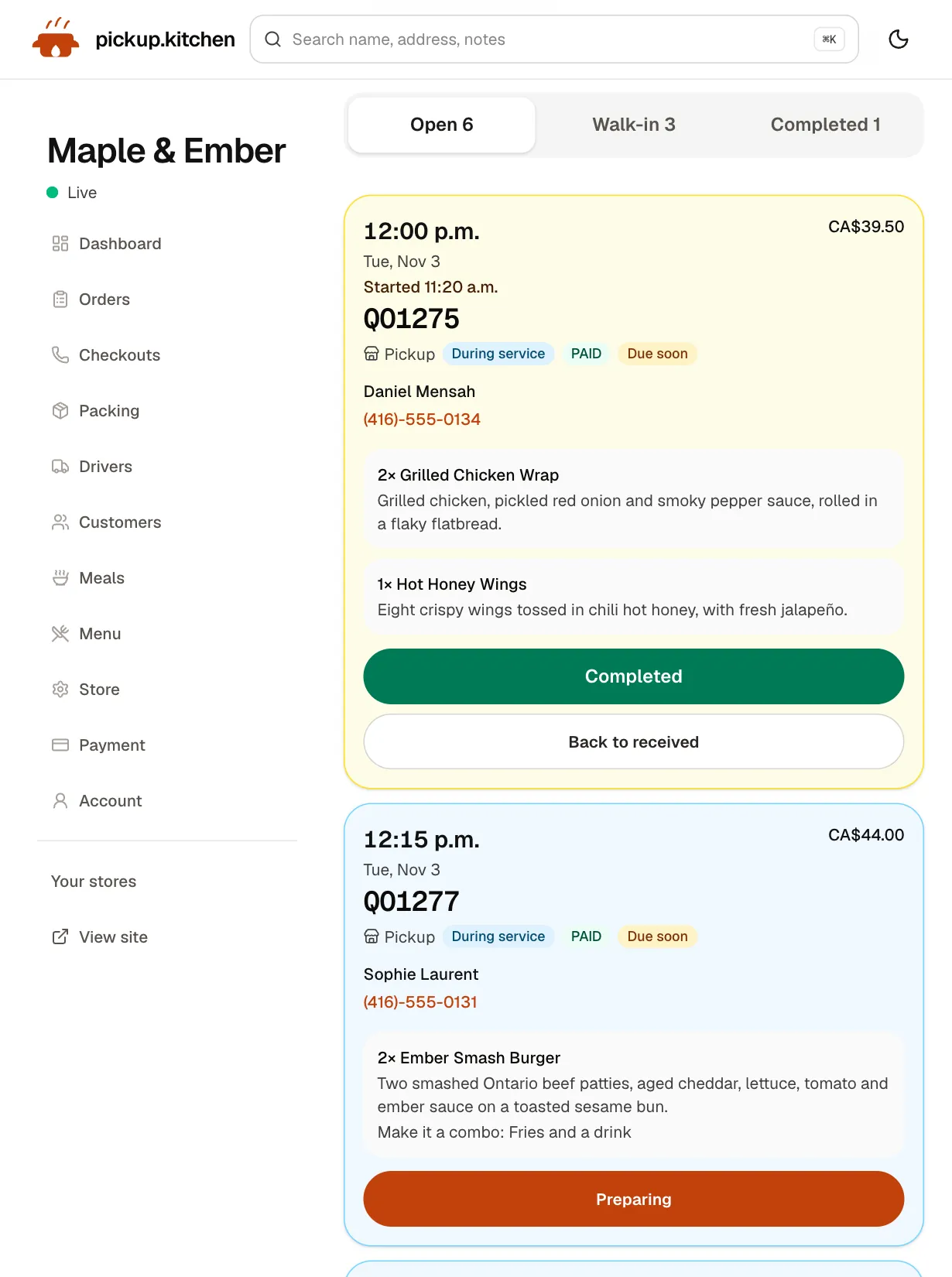
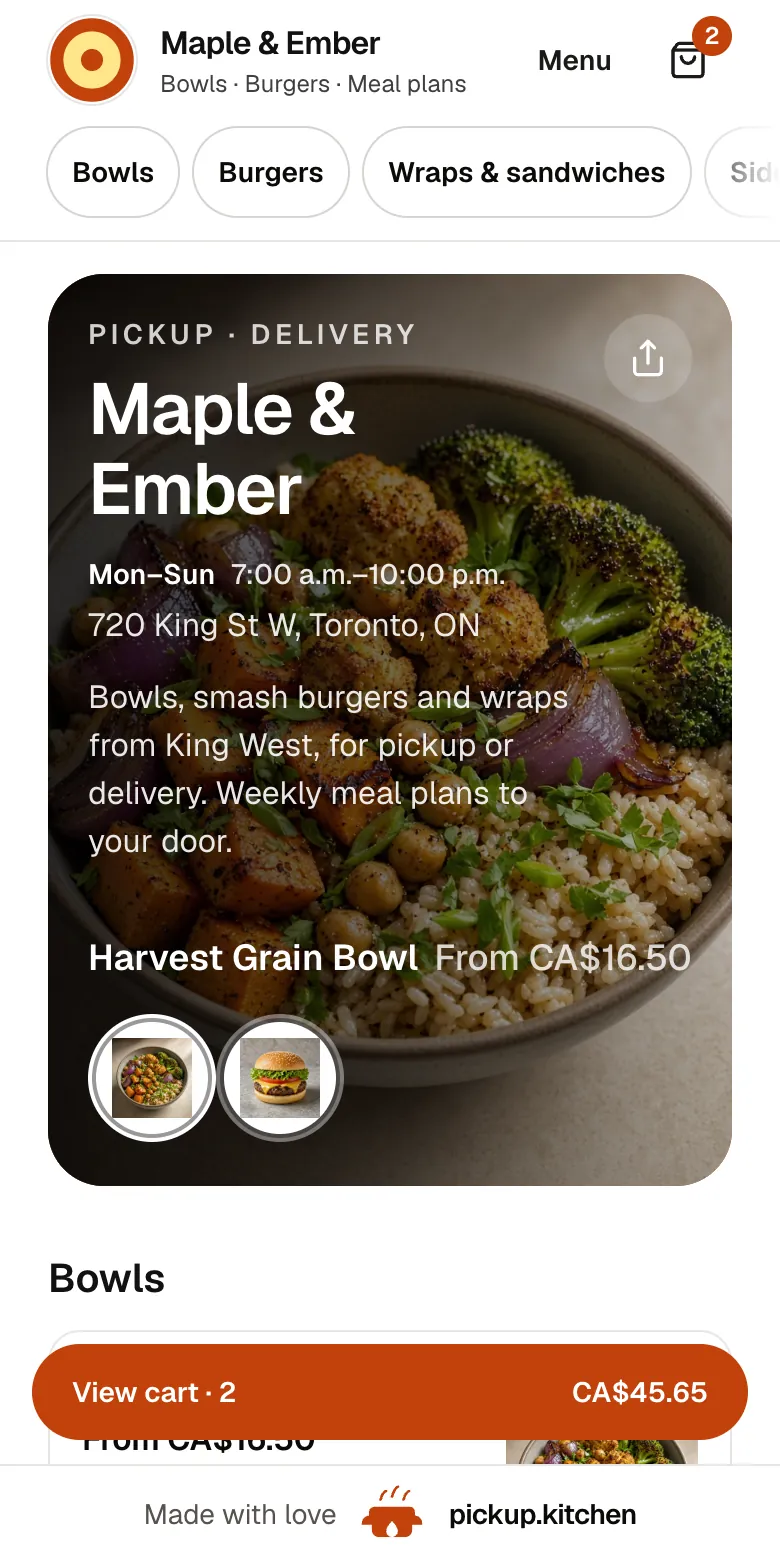
Real screens
What your guests and kitchen see instead
Real screens from pickup.kitchen, the same ones you and your guests use.
1Your guests
Your menu, on your own site
yourname.pickup.kitchen shows your dishes with photos and prices, and each guest picks pickup or delivery.
See how it works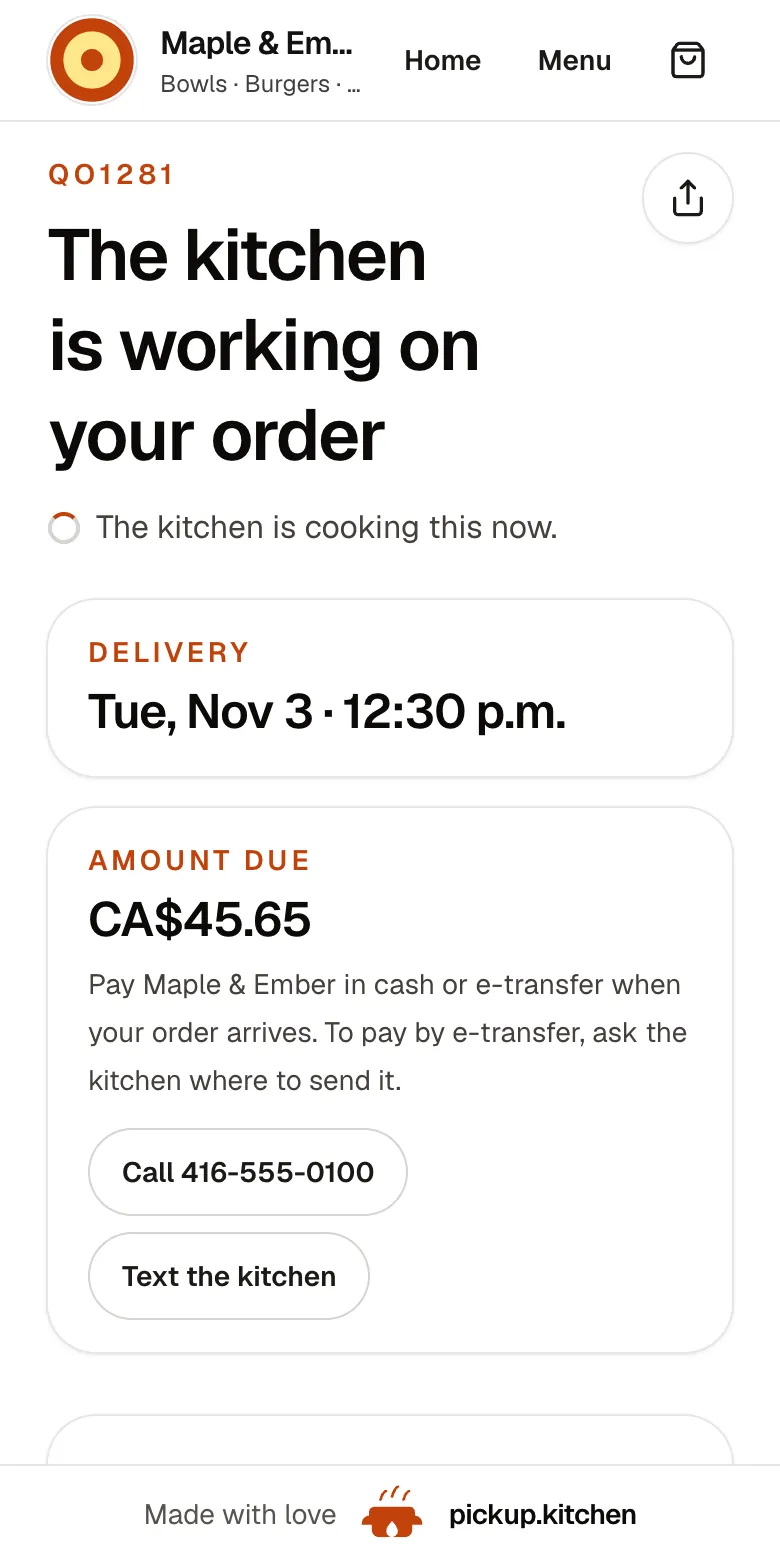
2Your guests
Every order gets a QO number
The guest sees their order number the moment they order, and the same number is on the kitchen's ticket.
See how it works3Your kitchen
Tickets on the kitchen screen
Online orders, walk-ins and finished tickets in their own lanes, each with its QO number and the time it is due.
See how it works
Onfleet pricing, as Onfleet publishes it
Onfleet is a last-mile delivery platform for shippers and couriers. It has a page for meal kit and meal prep delivery, and it lists healthcare, grocery and retail customers. It describes dispatching your own fleet and courier partners from one platform.
Launch is from US$619 a month and includes 2,500 completed deliveries a month. Scale is from US$1,349 and includes 5,000. Enterprise is custom, for 10,000 or more. Onfleet bills only deliveries that reach Completed. Going over your included deliveries does not stop you. Extra deliveries are billed per task, and the page does not publish the rate. A Courier Suite add-on starts at US$299 a month. SMS is billed by usage, at US$0.026 a segment in Canada. Onfleet offers a free trial. The page does not state its length for Launch.
What 100, 500, 1,000 and 2,500 stops cost
We treat one stop as one Onfleet delivery. Our stop is one drop-off address, so two orders at one door count once. Dollars below are converted at CA$1.38 to US$1, which is our assumption, not a quoted rate.
- 100 stops a month: Onfleet US$619. pickup.kitchen CA$0.
- 500 stops a month: Onfleet US$619. pickup.kitchen CA$40, about US$29.
- 1,000 stops a month: Onfleet US$619. pickup.kitchen CA$90, about US$65.
- 2,500 stops a month: Onfleet US$619, with every included delivery used. pickup.kitchen CA$180, about US$130.
- 5,000 stops a month: Onfleet Scale from US$1,349. pickup.kitchen CA$330, about US$239.
- Stops that come from pickup.kitchen orders cost nothing extra. Stops you add by hand are billed at the rates above.
What Onfleet does better
Onfleet is built for a bigger operation than most kitchens, and it has real depth there.
- Scale. Plans go to 5,000 and 10,000+ deliveries, with multi-brand and multi-region support on Enterprise.
- Hybrid fleets. Dispatch your own drivers and courier partners from one platform.
- Integrations. An API and webhooks on every plan, pre-built integrations such as Shopify, and a mobile SDK on higher plans.
- Verification. Photo and signature on Launch. Barcode scanning and age verification by ID scan on Scale, and recipient PIN on Enterprise.
- Operations. Dynamic ETA notifications, an operational command center and delay alerts, plus analytics.
- Security and compliance. SOC 2 Type II, with HIPAA support listed, and SAML single sign-on on Enterprise.
Where pickup.kitchen differs
Onfleet's meal-prep page talks about live ETAs, photo proof and tight windows. It is a delivery tool, so the order still has to come from somewhere else. With pickup.kitchen the guest orders on yourname.pickup.kitchen and pays by card, and the delivery lands on your board as a stop. Meal-plan delivery days become stops too.
The day runs like a kitchen's day. You plan routes the night before, tap Optimize, and tap Send to driver. The driver can start tomorrow's route early and choose where to finish. The driver must take a photo before Delivered turns on, and pay is worked out to the last delivery.
The kitchen screen, the counter, the customer list and marketing emails are in the same login. There is no monthly minimum. A kitchen with 80 drops a month pays nothing for the driver app.
What pickup.kitchen does not do
We have no API, SDK or enterprise security certification. We have no courier network and no hybrid fleet: every driver is yours. We do not take signatures or scan IDs, and we do not plan delivery time windows per stop or vehicle capacity. If you ship across a region or need compliance paperwork, Onfleet is the grown-up choice.
Who should pick which
Pick Onfleet if you run thousands of deliveries a month, mix couriers with your own fleet, or need an API, ID checks or compliance. Pick pickup.kitchen if you cook the food, sell it on your own site and deliver with your own drivers. It fits from a few dozen drops a month to a few thousand. The driver app is also sold on its own from 100 stops free, then CA$0.10 a stop.
Questions to ask Onfleet before you sign
Ask for the answers in writing. Most of them are not on the pricing page.
- What is the per-task rate when I go over my included deliveries?
- How long is the free trial on Launch, and do I need a card to start?
- Which features I need are in Launch, and which only come with Scale?
- Is the term monthly or annual, and is there a discount for paying annually?
- What will SMS cost at my volume? Onfleet lists US$0.026 a segment in Canada.
Step by step
How to get started
- 1Step 1: Count your stopsAdd up last month's delivery drops. Count two orders at one door once.
- 2Step 2: Add your driversInvite each driver by email. They open the route on their own phone and need no app store.
- 3Step 3: Bring in your stopsOrders from pickup.kitchen arrive on their own. Anything else, add by hand with a note for the driver.
- 4Step 4: Optimize and sendSplit the drops between drivers, check the order, and tap Send to driver.
FAQ
Questions
How much does Onfleet cost?
Launch is from US$619 a month with 2,500 completed deliveries included. Scale is from US$1,349 with 5,000, and Enterprise is custom for 10,000 or more. Extra deliveries are billed per task at a rate Onfleet does not publish (Onfleet, checked November 2026).
Is there a cheaper Onfleet alternative for a small delivery volume?
For a few dozen drops a day, yes. pickup.kitchen's driver app is free for the first 100 stops a month, then CA$0.10 a stop, from 100 stops free, then CA$0.10 a stop. Shipday, Wodely, Routific and Spoke also have lower entry prices than Onfleet.
Who is Onfleet best for?
Large delivery operations. Think thousands of deliveries a month, mixed fleets of your own drivers and couriers, or regulated deliveries that need ID checks. Onfleet lists pharmacy, healthcare, grocery and retail customers.
Does Onfleet have a meal prep page?
Yes. Onfleet's page for meal kit and meal prep delivery talks about live ETAs, photo proof and tight windows. It is a delivery tool, so the order still comes from elsewhere. pickup.kitchen takes the order and routes it.
Does Onfleet have a free trial?
Onfleet offers a free trial. Its pricing page does not state the length for Launch. Check with Onfleet before you rely on it.
Can I use pickup.kitchen as an Onfleet alternative without taking orders on it?
Yes. Use the driver app on its own and add each stop by hand, with an address and a note. Stops added by hand do not send texts or emails to the customer.
Keep reading
- ProductDelivery driver appA delivery driver app for businesses that deliver: route on the phone, photo proof at the door, live tracking, dispatch. Free with pickup.kitchen orders.
- ProductDelivery route optimizationDelivery route optimization for food businesses: split drops between drivers, order stops by drive time, and re-optimize before they go. Free with orders.
- ProductProof of delivery appA proof of delivery app for food businesses: drivers take a photo at the door, you see it live, and guests get it by text or email. Free for your orders.
- CompareRoutific alternatives for food deliveryRoutific alternatives for food delivery: Routific's free 100 orders and $150 flat plan against 100 free stops then CA$0.10 a stop, and where Routific wins.
- Productpickup.kitchen pricing: 10% per order, no monthly feepickup.kitchen pricing: free onboarding, no monthly fee, 10% per order. Delivery tools come with ordering. The driver app on its own is pay as you use.
Free onboarding. Pay as you use.
Keep more of every order
Keep the apps for new guests if they work for you, and let your regulars order on your own site.