Kitchen management
Kitchen management software that keeps promises to what you can cook
Kitchen management software should make sure the kitchen never promises more than it can make. pickup.kitchen limits what guests can book, tracks dish stock, closes the day when you sell out, and builds the prep list for weekly plans. The tickets themselves live on the kitchen display system.
- Slots, cutoffs, and sold-out days set what guests can book
- Dish stock stops a sale at zero
- Live tickets, prep lists, and delivery in one login
Free onboarding. Pay as you use. No monthly fee for ordering.
Real screens
See it in the app
Real screens from pickup.kitchen, the same ones you and your guests use.
1You
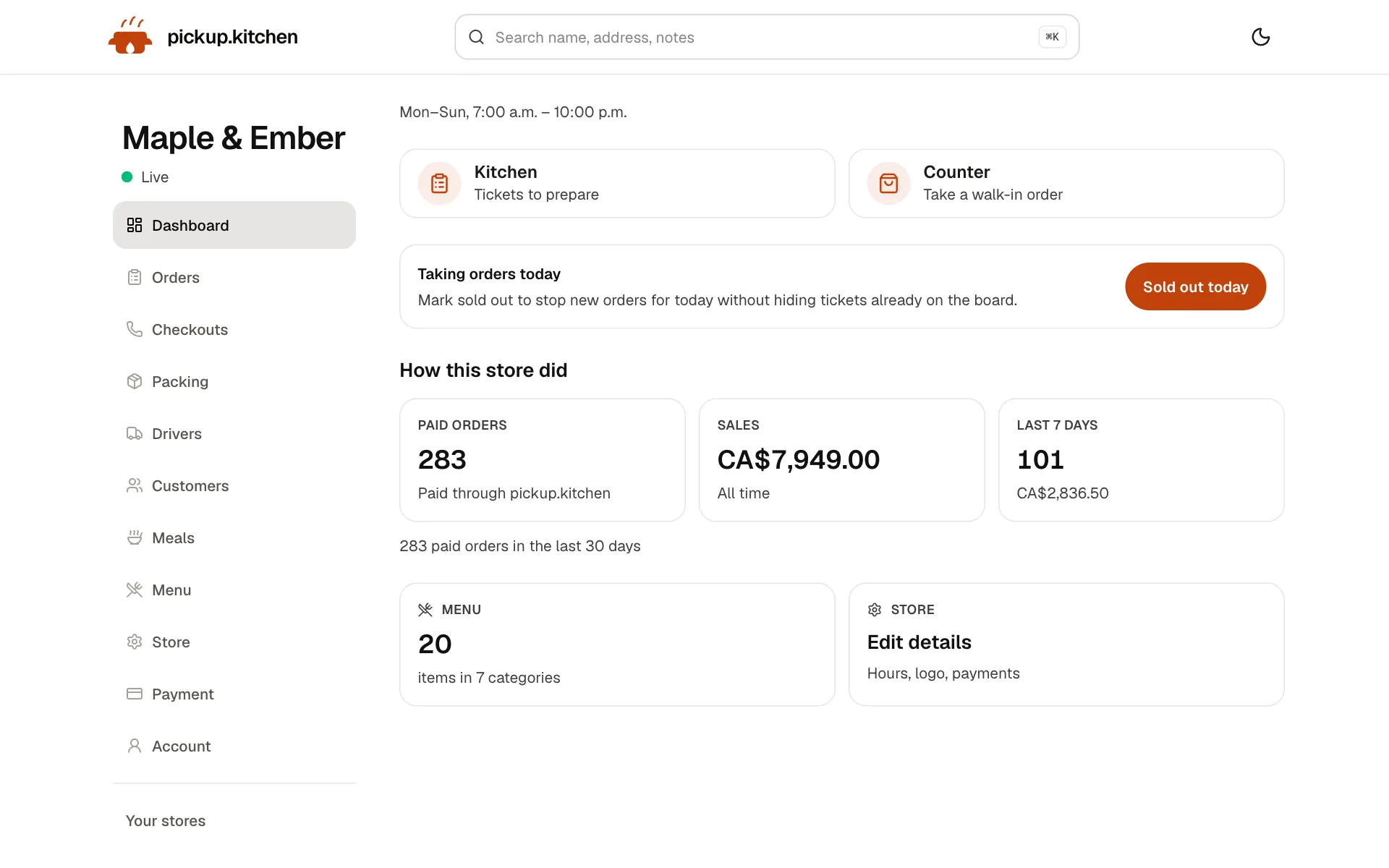
Your day at a glance
Today's orders, sales and what needs you next, the moment you sign in.
See how it works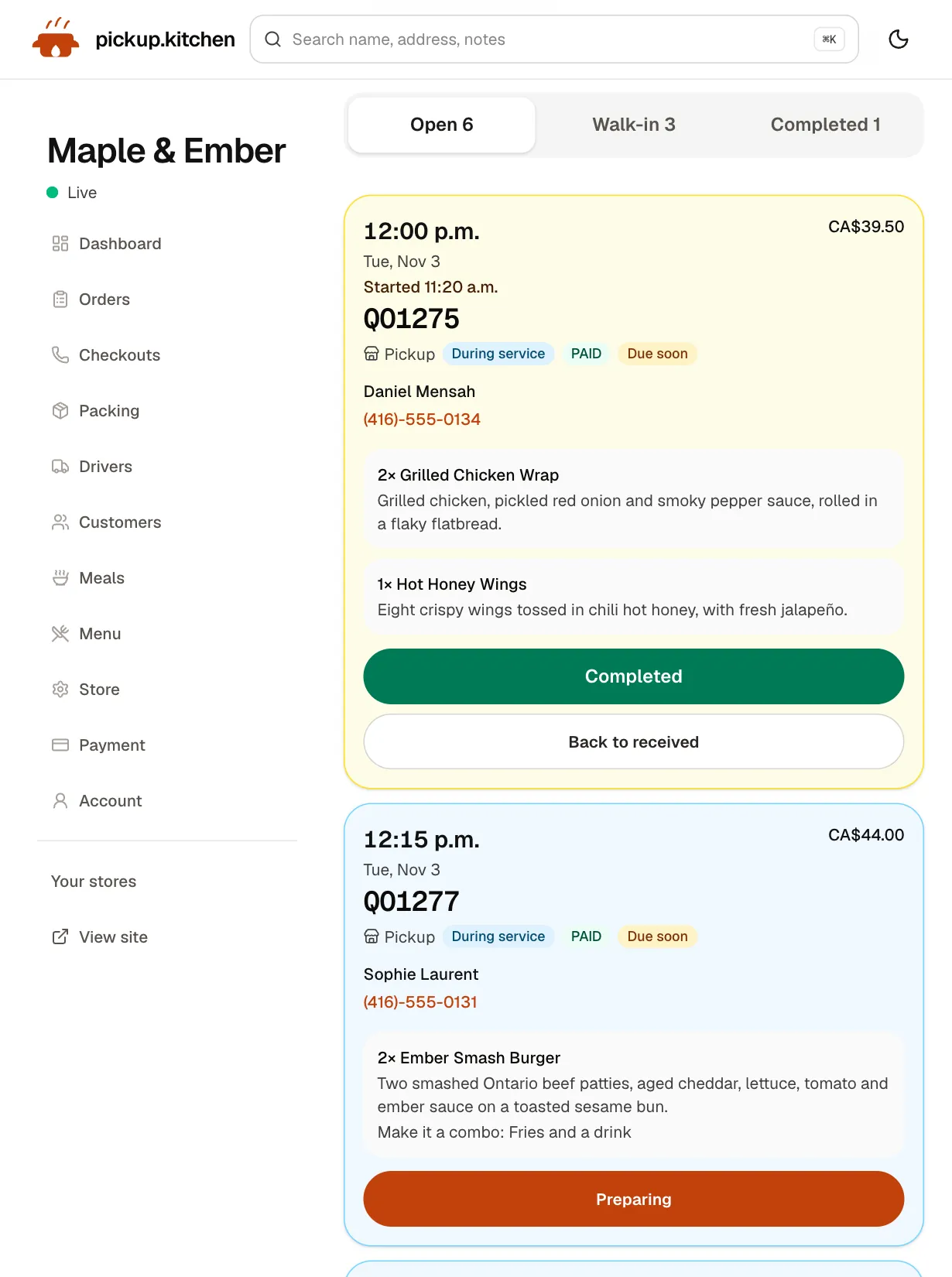
2Your kitchen
Tickets on the kitchen screen
Online orders, walk-ins and finished tickets in their own lanes, each with its QO number and the time it is due.
See how it works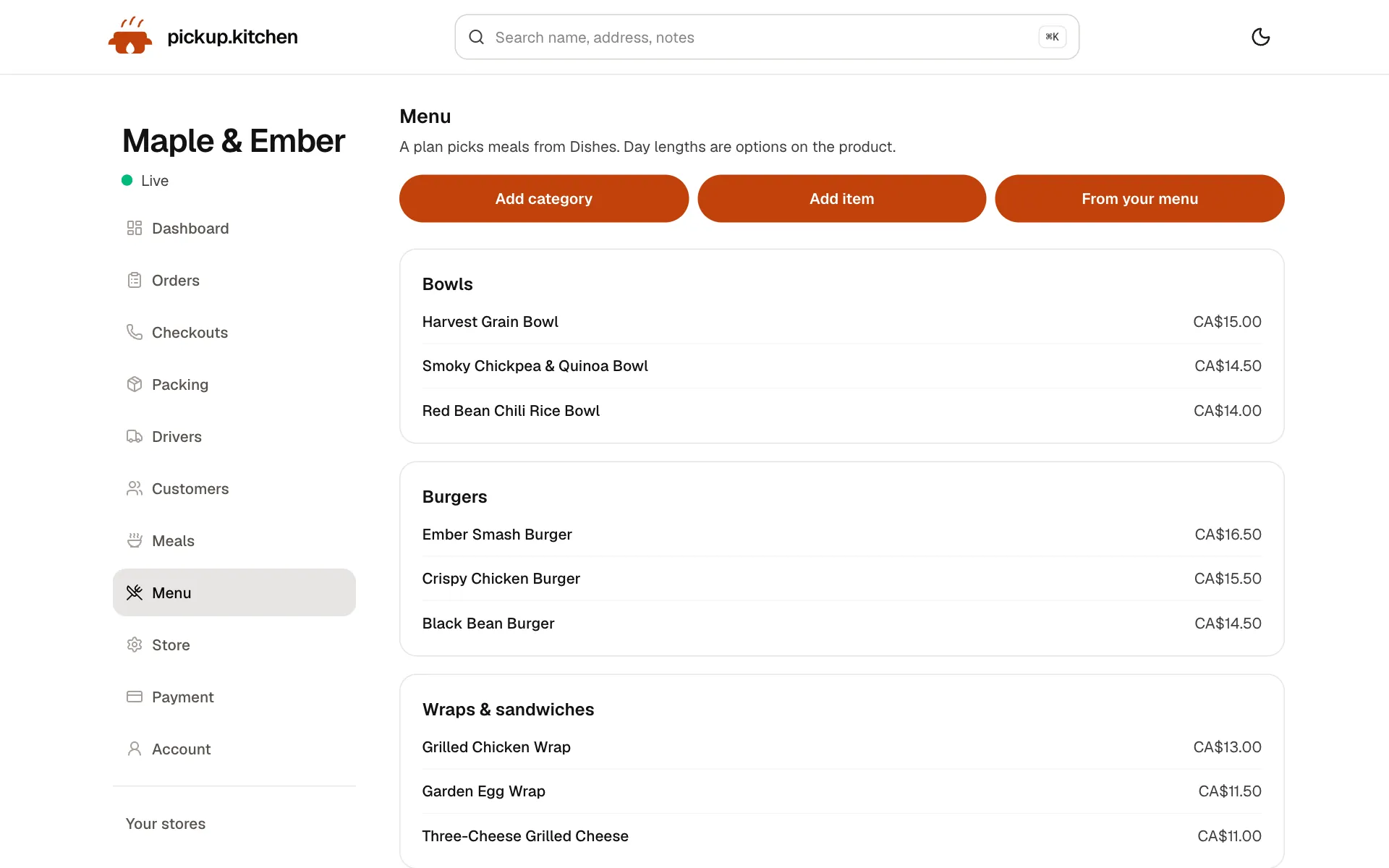
3You
Change the menu any time
Dishes, prices, photos and sold-out in one place. Your site changes the moment you save.
See how it works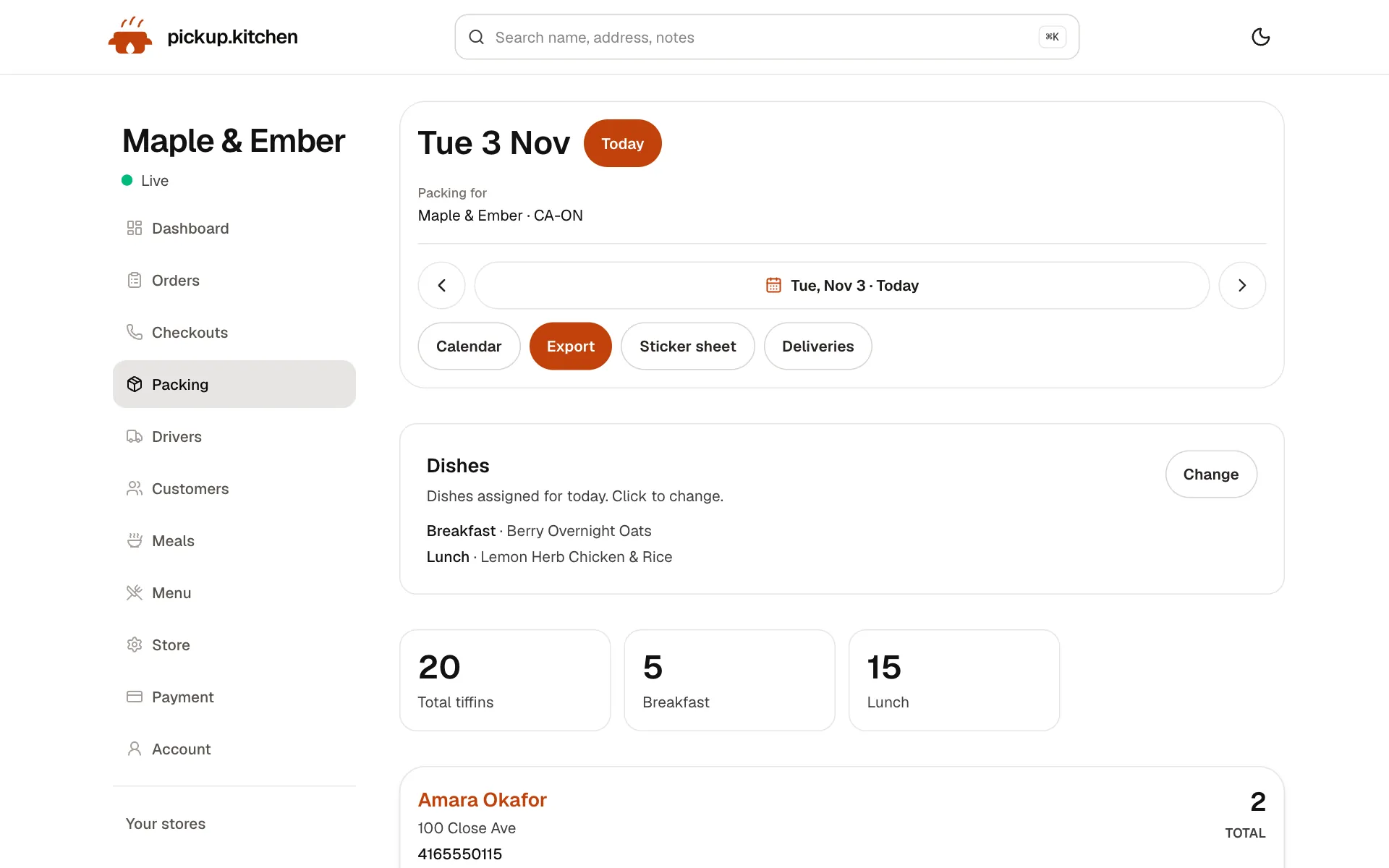
4Meal plans
Meal plans that count themselves
Weekly plans with skips and pauses, and tomorrow's list counted for you: how many to make and for whom.
See how it works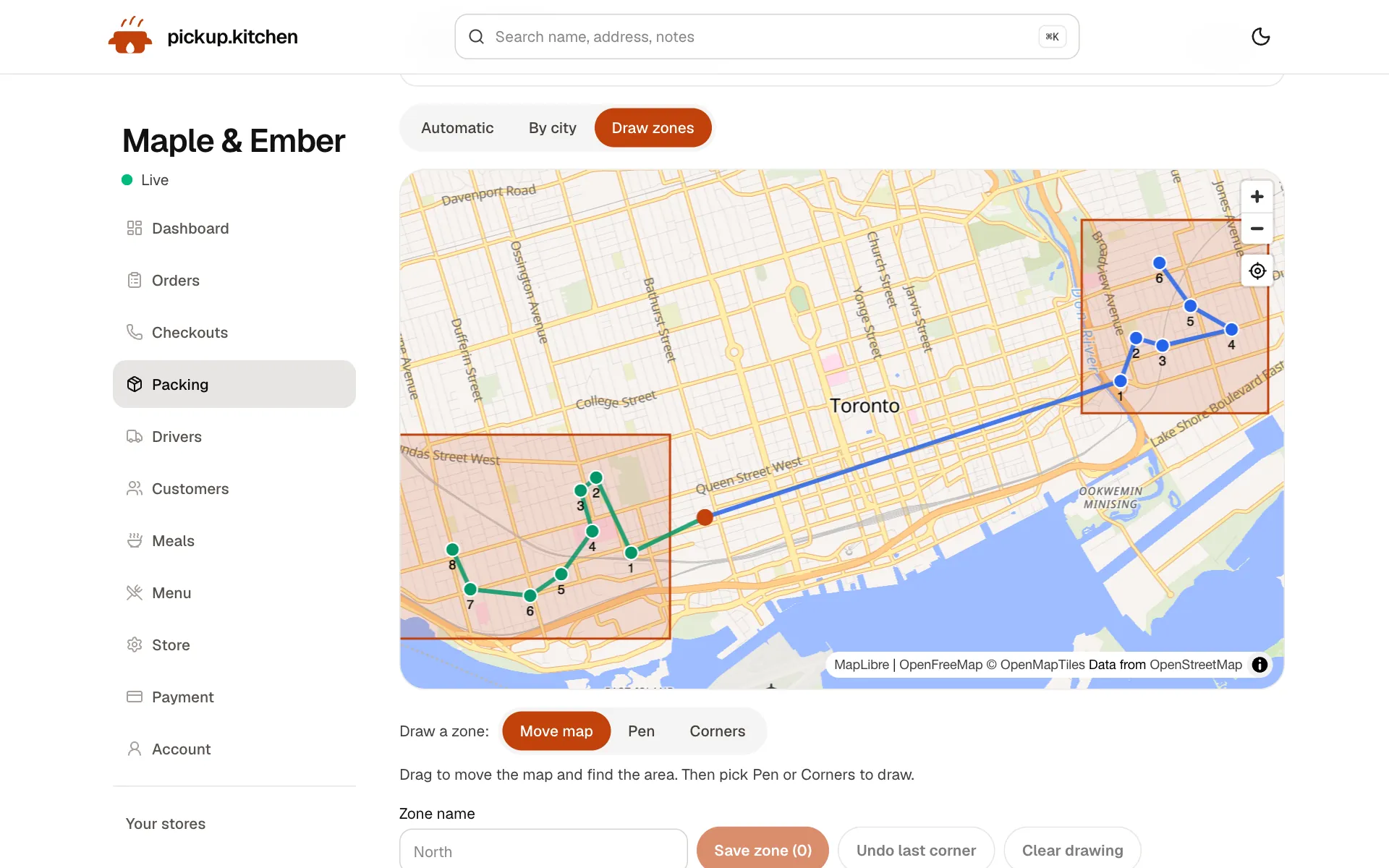
5Delivery
Your routes on a map
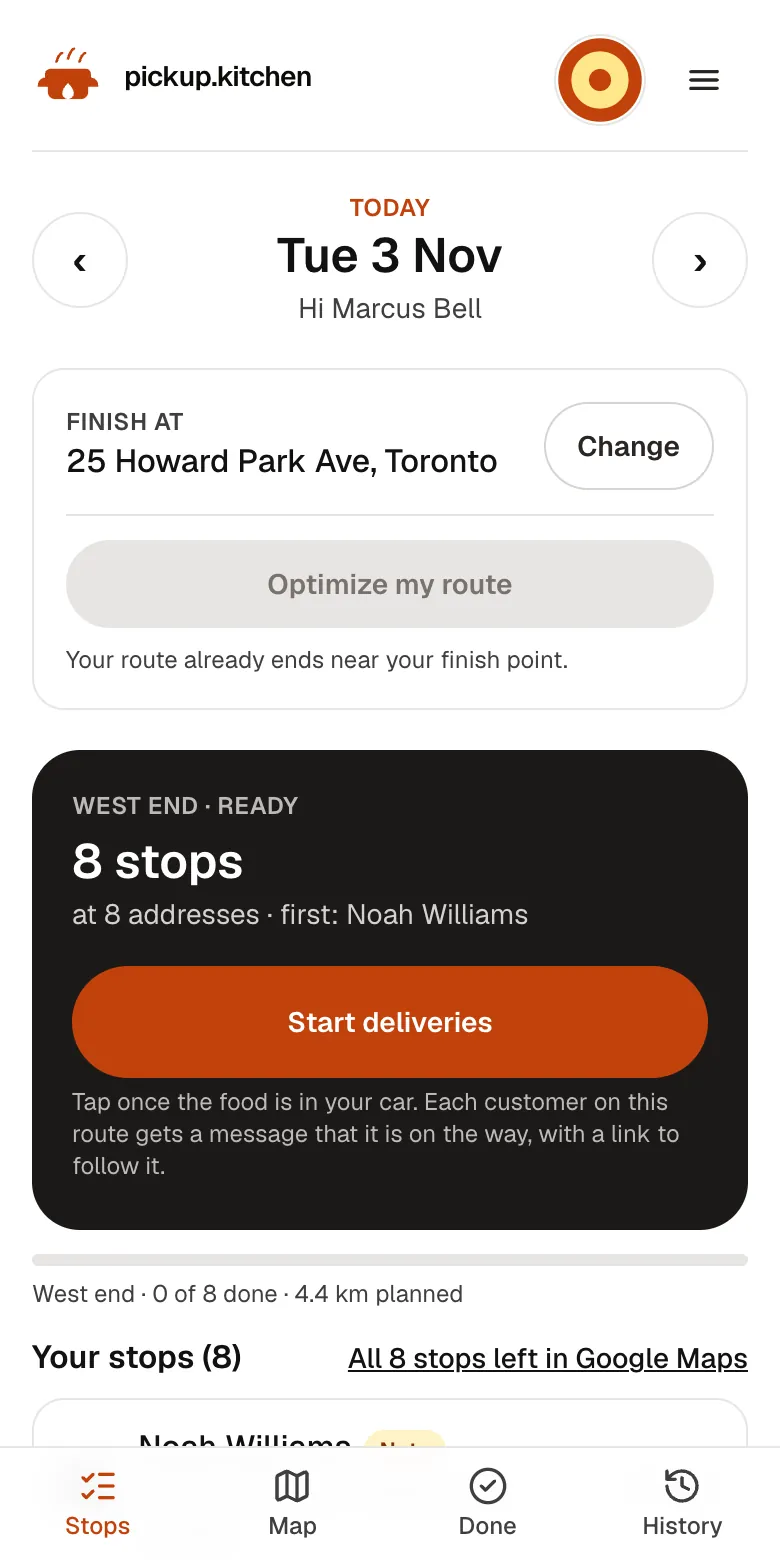
Stops come from your orders, or you add them by hand. Optimize puts them in order for the roads.
See how it works
In one login
What you get
- Slots and limitsHours per weekday, slot length, orders per slot, cutoff, and closed dates.
- Sold out todayOne tap closes the current day to new bookings. Tomorrow stays open.
- Dish stockTrack on-hand units per dish, stop at zero, or allow oversell.
- Live kitchen boardOpen, Walk-in, and Completed lanes with a sound for new tickets.
- Pack list and labelsBoxes by meal and name, with allergies and dish macros on the label.
- Sales summaryPaid orders and sales for all time, 7 days, and 30 days.
Control what you promise
The most common kitchen problem is a full queue and a site still taking orders. So the first job of kitchen management software is to say no for you.
Set your hours for each weekday, the length of a pickup or delivery slot, and how many orders one slot holds. When a slot is full, guests cannot pick it. Add a cutoff, such as 8 p.m. the night before. Mark a day closed for a holiday. Tap Sold out today when you run out at 2 p.m.
Start with capacity, not features
The setting that matters most is the number of orders one slot holds. Count the most orders your kitchen can finish in 15 minutes on a good night, then set the limit a little below that.
Raise it after two busy weeks if tickets are never late. Lower it if the red tickets pile up. It is a dial, and you can change it any day.
Control what you sell
Each dish can track its own stock. Turn on Track inventory, enter how many you have On hand, and the dish stops selling at zero. A guest who asks for four when two are left sees “Only 2 Pepperoni left” instead of an order you cannot fill.
If a dish is a house special that you will always find a way to make, turn on Allow oversell. A refunded or cancelled order puts its units back once.
Every sale and restock is logged on the dish's page, so you can see why the count moved.
Run the day from one list
Paid orders from your site and orders typed at your counter land on the kitchen screen as tickets. Cooks mark them Preparing and Completed. The kitchen display system page walks through the screen.
For anything older, the orders list searches by order number or customer, and filters by status. Unpaid checkouts have their own list, so you can see who started to pay and stopped.
This is order management for your own channels. pickup.kitchen does not pull in tickets from other delivery apps.
When you run out mid-service
It is 7:40 p.m. and the last tray of rice is gone. Tap Sold out today. Nobody can book today from that moment, and tomorrow stays open. Tickets already on the board stay, so the cook finishes what was promised.
If only one dish ran out, set its stock to zero instead, and the rest of the menu keeps selling.
Prep lists for weekly plans
If you sell meal plans, the Pack page is your prep list for a day. It shows how many boxes, which meals, and which names. Assign a dish to each meal for the day, with a prep note and calories and macros, and those details print on the labels.
Labels print on 4×6 in, Letter, or A4. Choose one meal per page or one box per page. Customers with allergies print first, and each box is marked when one person has several.
A skip, a pause, or a closed date changes the list for you. The meal prep software page covers plans in detail.
Send it out the door
Delivery is part of the same day. Drops from your site and from plans go on the Deliveries board. You split them between drivers, send routes to their phones, and follow progress live. Guests who ordered online get a tracking link and a photo at the door. The delivery software page has the detail.
A weekly rhythm
Monday: check dish stock and update what you will run out of. Mark any closed dates for the week.
Every day: look at the kitchen board, hit Sold out today if you run out, and open the next day's tickets in the afternoon.
Sunday: open the dashboard and read paid orders and sales for the last 7 days. Look at the unpaid checkouts, which are guests who started to pay and stopped.
See how the kitchen did
Your dashboard shows paid orders and sales for all time and the last 7 and 30 days. It also counts unpaid checkouts to follow up. It is not an accounting package. It answers the question you ask on a Sunday night: was this a good week?
The same login holds your customer list, so a good week can turn into an email to the guests who ordered.
Cloud kitchen management software
Cloud kitchen management software has the same first job as any kitchen's: say no before the line backs up. A cloud kitchen that lives on marketplace apps also needs a channel it owns.
Your own site at yourname.pickup.kitchen takes orders that carry no marketplace cut. Those orders run through the same slot limits, stock and prep lists, and land on the same kitchen screen.
FAQ
Questions
What is kitchen management software?
Software that helps a kitchen decide what it can take, shows what to cook, and tracks what went out. pickup.kitchen covers capacity, stock, tickets, prep lists, and delivery.
Is there cloud kitchen management software I can use for my own site?
Yes. Your own site takes orders, and the same board, stock, and prep lists handle them. It does not import orders from marketplace apps.
What is a restaurant order management system?
A system that collects every order in one place and moves it from received to ready. Here, online orders, counter orders, and plan days share one board.
Can it track inventory?
It tracks units per dish: turn on Track inventory, set On hand, and the dish stops selling at zero. It does not track raw ingredients or supplier orders.
Does it replace my accounting software?
No. It shows paid orders and sales. Keep your bookkeeping where it is.
What does it cost?
Free onboarding, no monthly fee, and 10% per order. The kitchen tools and delivery tools are included, and stops from your orders cost nothing extra in the driver app.
Keep reading
- ProductKitchen display system for restaurantsA kitchen display system that runs in the browser: tickets arrive with a sound, cooks tap Preparing and Completed, and guests hear when it is ready.
- ProductRestaurant management systemA restaurant management system for takeout and delivery: every part in one login, from the ordering site to the kitchen, counter, customers and drivers.
- ProductMeal prep business softwareMeal prep business software that turns paid plans into tomorrow's pack list: skips, pauses, extra days, labels, and delivery in one login. 10% per order.
- ProductRestaurant delivery softwareRestaurant delivery software for your own drivers: plan drops, send routes to phones, follow every stop live, and pay drivers. Free with your orders.
- By businessGhost kitchen software for your own ordersGhost kitchen software for orders on your own site, plus the kitchen board, stock and delivery to your own drivers. Free onboarding, 10% per order.
Free onboarding. Pay as you use.
Put your kitchen on pickup.kitchen
No monthly fee for ordering. Send us your menu and we set it up with you, then you pay as you use.