For tiffins
In the morning, the list is ready.
We keep the start date, the end date, and the days you pack. You see how many tiffins to make, what to cook, and who gets each box. You also get your own website.
- Free setup, done with you
- Your own yourname.pickup.kitchen
- Listed on pickup.kitchen

What the video shows
- Your whole kitchen. One login.
- Guests order on your own site. No app, no account.
- Every order lands on your kitchen screen.
- And guests can follow it to their door.
- Walk-ins go through the counter, on the same menu.
- Meal plans come with a label for every box, allergies included.
- Draw your routes on a map, and send them to your drivers.
- Drivers follow the route, and take a photo at the door.
- You run the kitchen. We help you grow.
- Get free setup on pickup.kitchen.
Free setup
How you get started
No plan to pick and no card to save. We set it up with you, then you pay as you use.
Step 1: Tell us about your business
Your business name and address, then a login. It takes two minutes, and there is no card to add.
Step 2: We set it up with you
Send your menu as a photo or a list. We add the dishes, photos, hours, pickup and delivery with you, and you connect Stripe for cards.
Step 3: Share your link and take orders
yourname.pickup.kitchen goes live and you are listed on pickup.kitchen. Every order lands on your kitchen screen with its QO number.
Live now
Kitchens on pickup.kitchen
The newest kitchens to go live. Each one has its own site, and shoppers find them on pickup.kitchen.
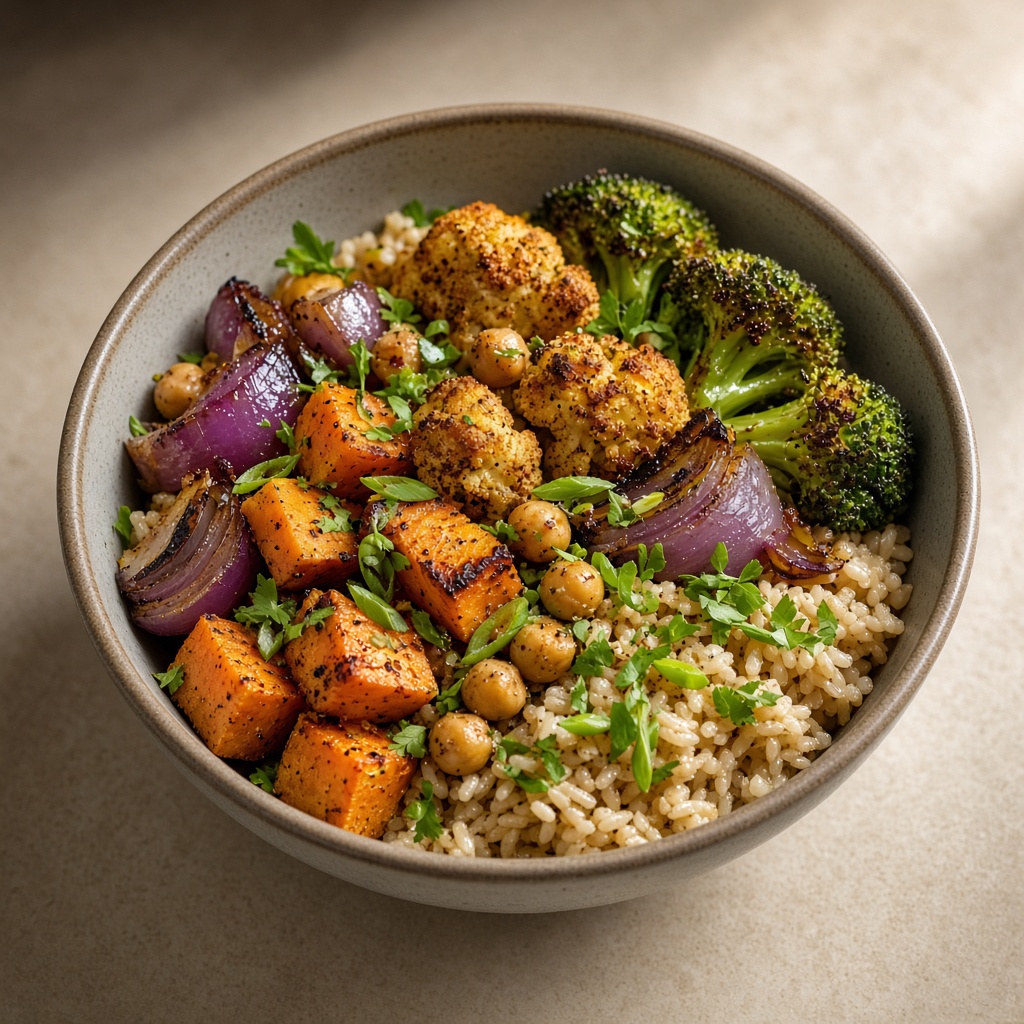 Jaini's KitchenPickup from our kitchen20, Lombard Street, Downtown Yonge East, Toronto Centre — call me know when you've reached the address · Fri–Sun 5:00 p.m.–11:00 p.m.
 FitCurryBoxTakeout · PickupFri–Sun 5:00 p.m.–11:00 p.m.
 The Cheesey DistrictTakeout · Pickup720 Burnhamthorpe Road West, Mississauga, ON, L5C 3X3 · Fri–Sat 6:00 p.m.–11:00 p.m.

“This has saved me so much time I sometimes wonder what I’ll do with it. Everything is easy, and I’d run the restaurant and the tiffins on pickup.kitchen.”
In one login
Ordering, the kitchen, your customers, meal plans and delivery
Use all of it or the parts you need. Free onboarding. Pay as you use.
Ordering
Kitchen
Customers
Built for every kind of kitchen
On Instagram
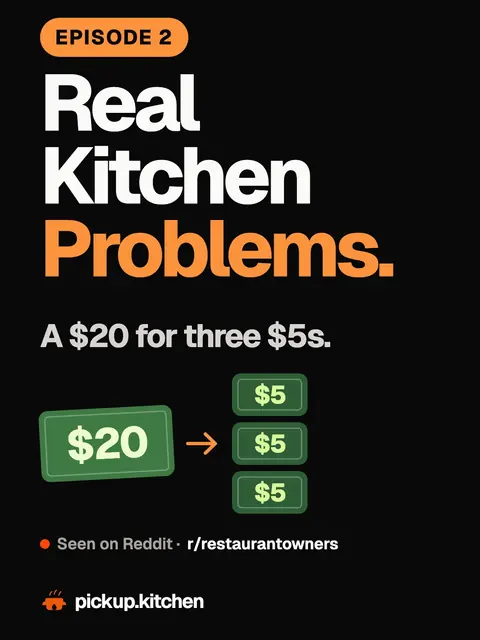
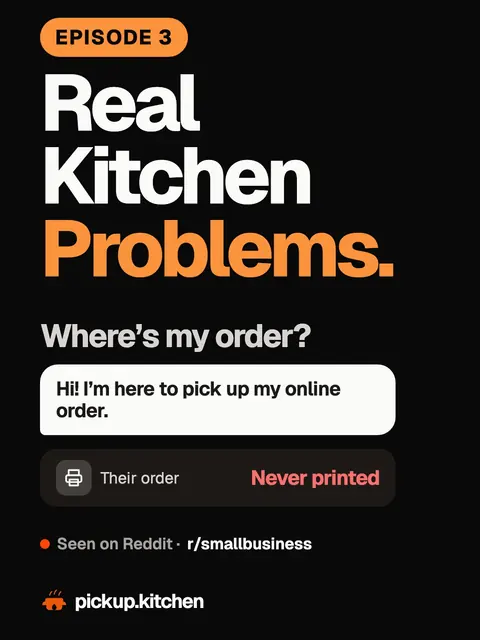
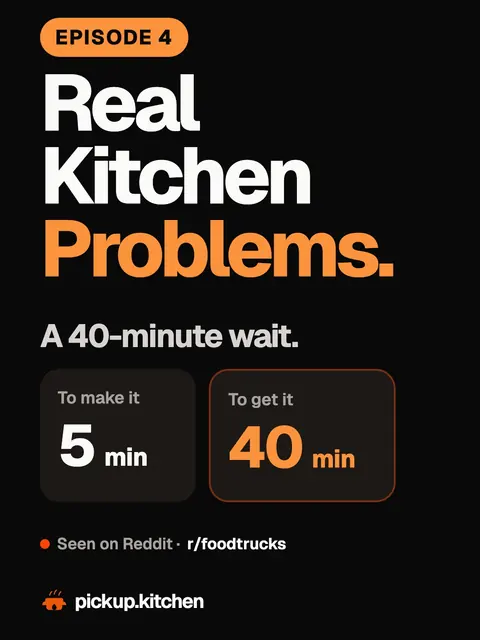
Real Kitchen Problems, every week.
We find a problem a kitchen owner posted on Reddit and show how it gets fixed, in real screens. We also post the kitchens that just joined.
Follow @trypickupkitchen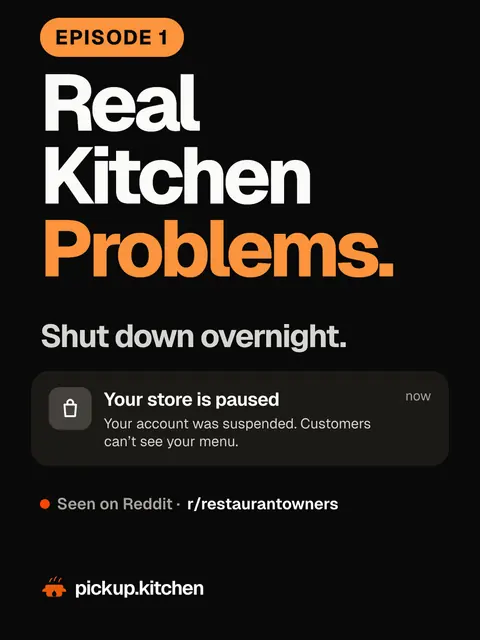
Questions
How do I get listed on pickup.kitchen?+
Tap Get free setup and add your business name and address. Add your menu (a photo or PDF of it works), connect Stripe for cards, and go live. Every live business is listed on pickup.kitchen.
What does pickup.kitchen cost?+
Free onboarding. Pay as you use. No monthly fee and no setup fee. In Canada it is 10% per order. The driver app on its own: 100 stops free, then CA$0.10 a stop.
Do my customers need an app?+
No. They order on your website. Nothing to download.
Who delivers the orders?+
You do, with your own drivers: staff, family or a driver you hire. They use the pickup.kitchen driver app, and your customers follow the order live. pickup.kitchen does not supply drivers.
Can I sell a menu and meal plans together?+
Yes. One login and one website. Menu orders and meal plans come into the same kitchen.
How long does it take to switch?+
Create your account, add your menu or your meal plans, and add your current customers. New orders join tomorrow’s list.